
How to Add Custom Checkout Questions
What This Is
Checkout Questions let you ask customers your own questions when they book, such as a gate code, the type of event, or whether there's a power outlet nearby. Answers are saved to the order.
Add a Question
-
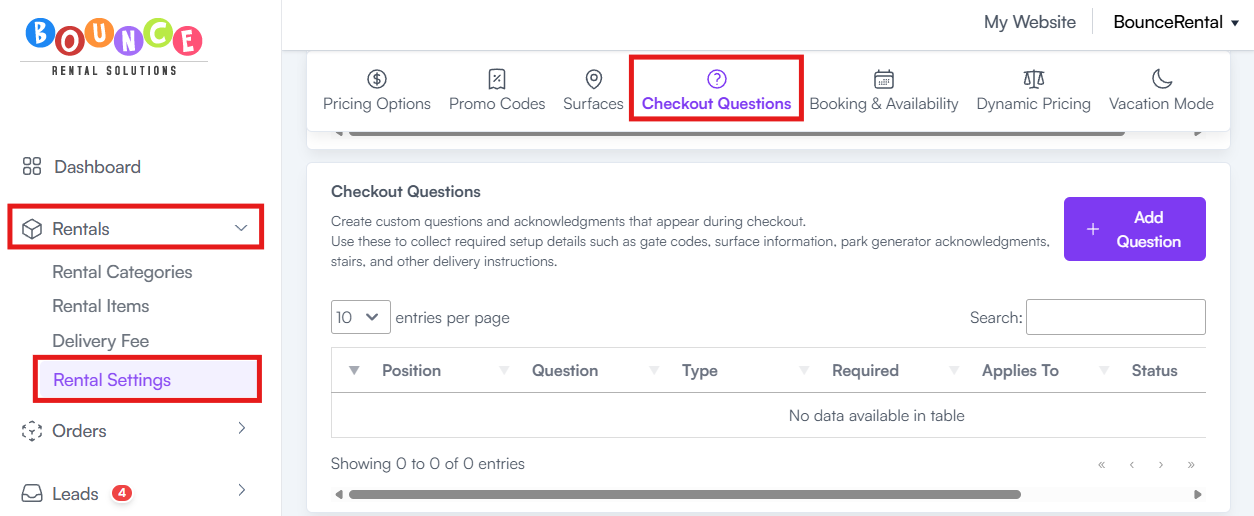
Go to Rentals → Rental Settings and open the Checkout Questions tab (next to Surfaces).
-
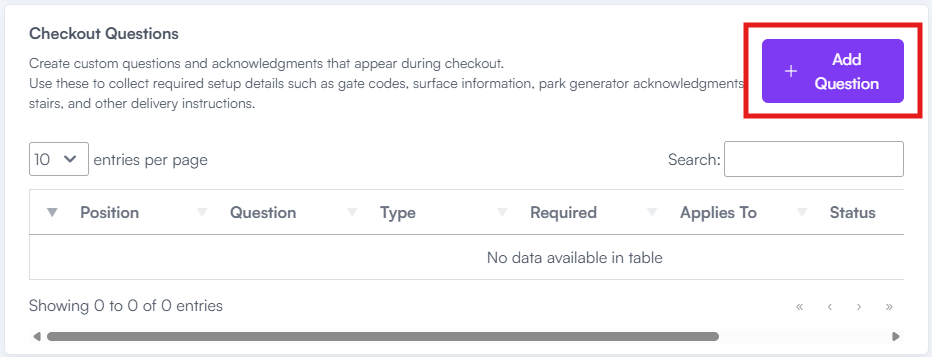
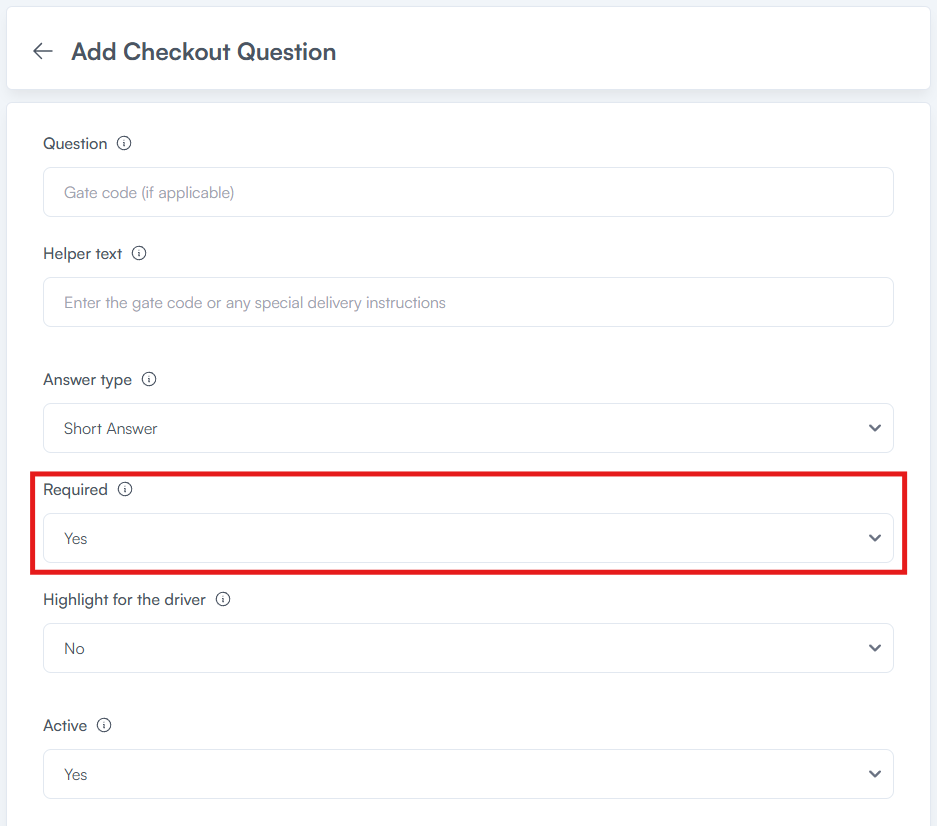
Add your question.
-
Mark it Required if customers must answer before they can check out.
-
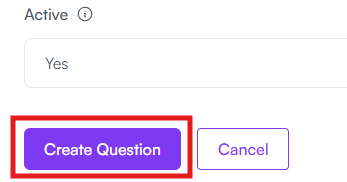
Save by clicking "Create Question".
Where It Appears
Questions appear at checkout below the surface selection and above Order Notes.
Finding the Answers
Open the order. The customer's answers are saved with it so you and your team can see them.